Documentation
Your laser cutter, driven from a phone.
Etchmara turns a phone or tablet into the control panel of a desktop laser cutter. Design or import a drawing, preview the real toolpath, and send the job over Wi-Fi — no PC next to the machine required.
01
Getting started
The seven-step tour that ships inside the app: device bar, new project, importing a drawing, the canvas, and sending a job.
02
Connect a machine
Add a device, read the network-check guide, and get the app talking to the controller over Wi-Fi.
03
Edit & draw
Edit and Draw modes, the shape tools, cut layers, snapping and text.
04
Send a job
Toolpath preview, time and path estimates, the safety checklist, framing, and starting the cut.
05
Troubleshooting
What each network-check result means, plus known issues and their fixes.
What the app looks like
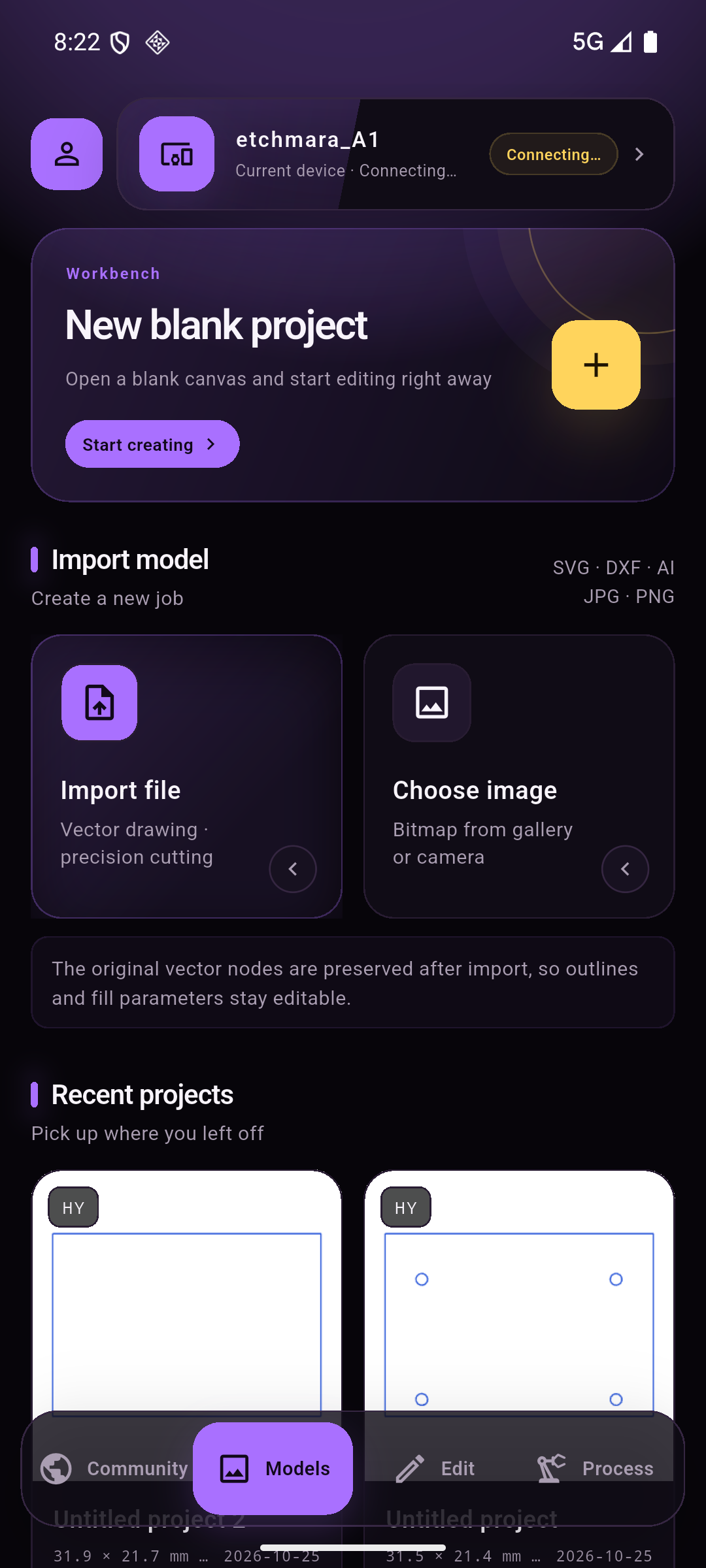
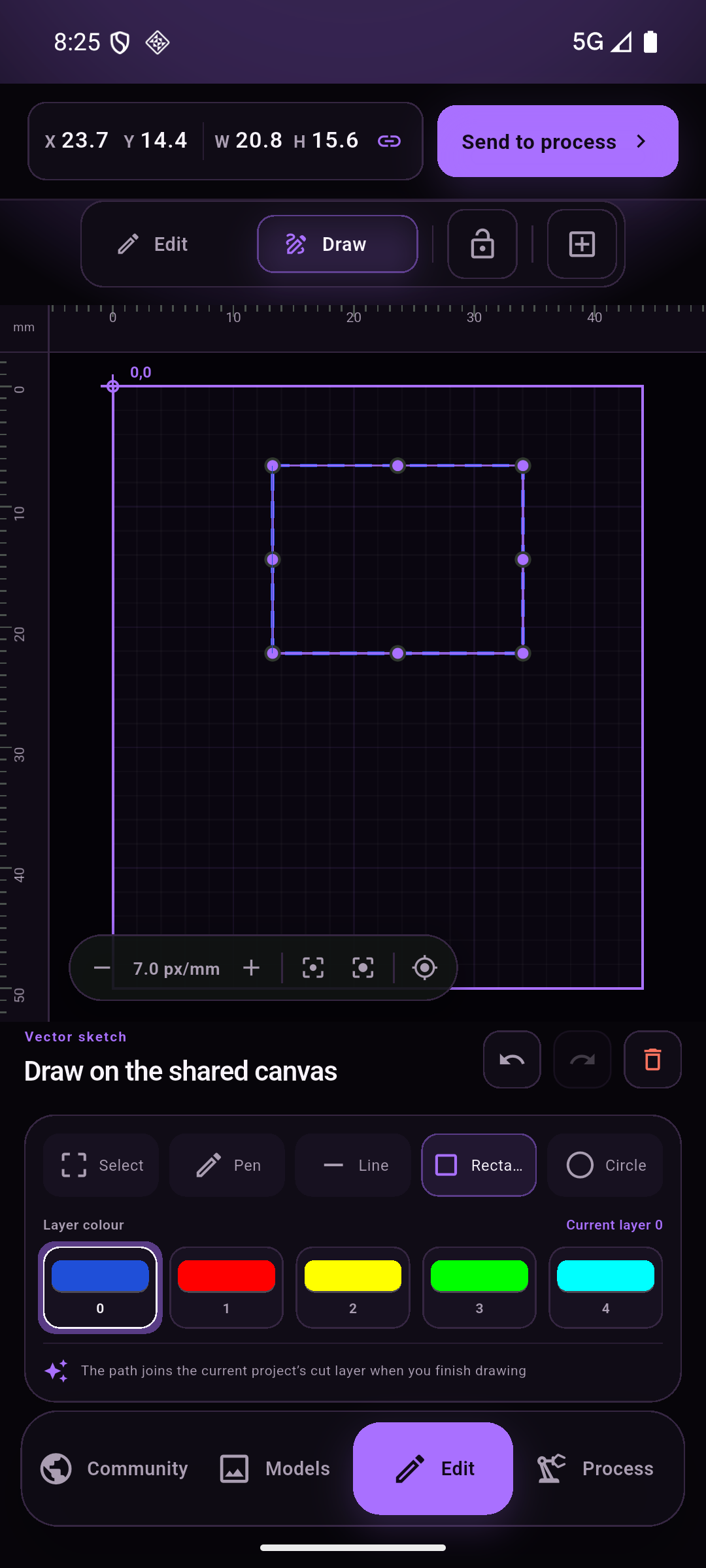
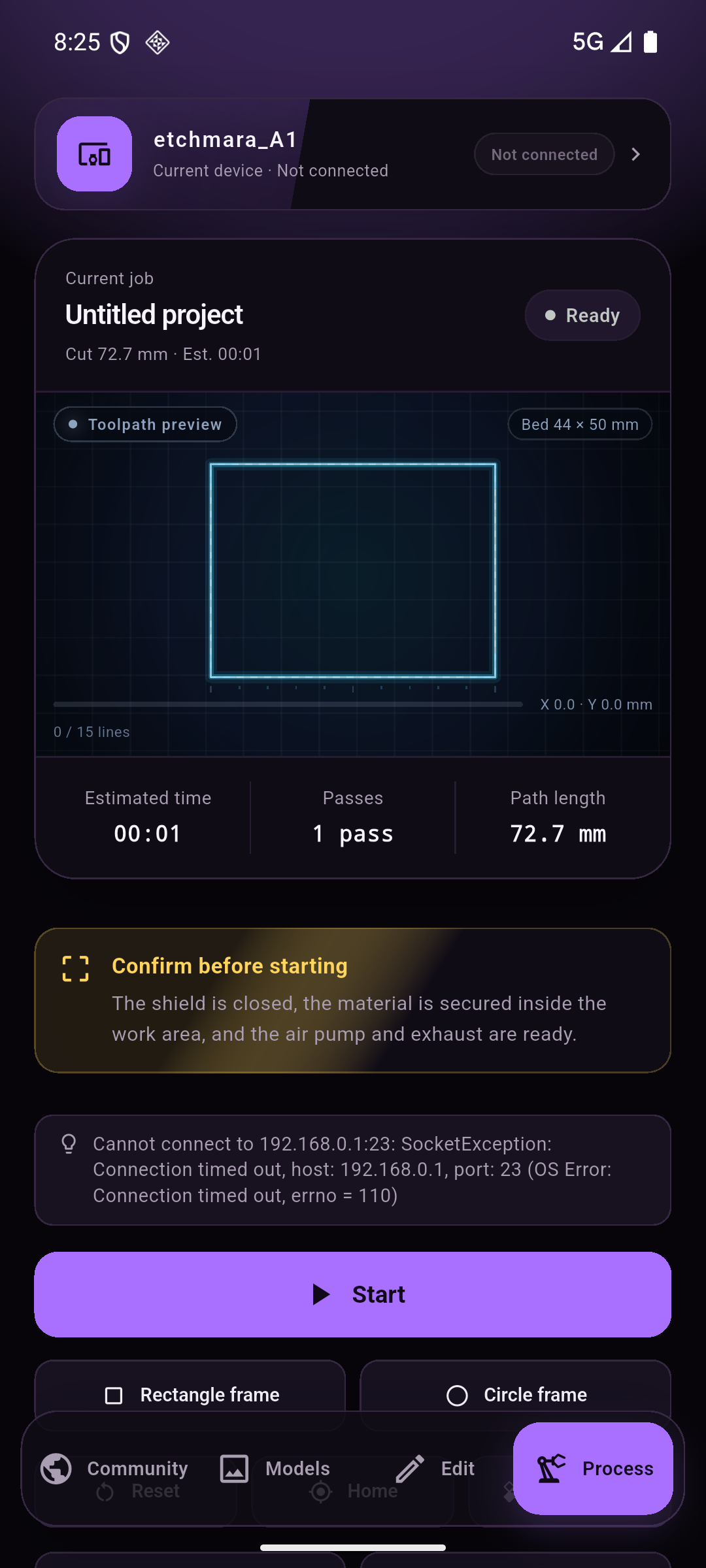
Four screens sit behind one bottom bar: Community (the cloud gallery), Models (your files), Edit (the canvas) and Process (the machine). The device bar at the top is always the current machine and its connection state.
Requirements
| Item | Detail |
|---|---|
| Phone / tablet | Android 7.0 or newer (the screenshots use Android 16 on a 1080 × 2400 emulator) |
| Machine | An Etchmara-class laser cutter running grbl-compatible firmware (grbl / grblHAL) |
| Network | The machine's own Wi-Fi hotspot (Etchmara_A1_XXXXXX), or the same LAN as the phone |